What Canvas Ally Looked Like
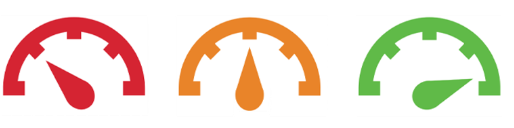
Canvas Ally previously provided:
- Accessibility score indicators (color-coded gauges)
- Inline feedback and issue identification
- Alternative format downloads for students
UDOIT-New Accessibility Tool
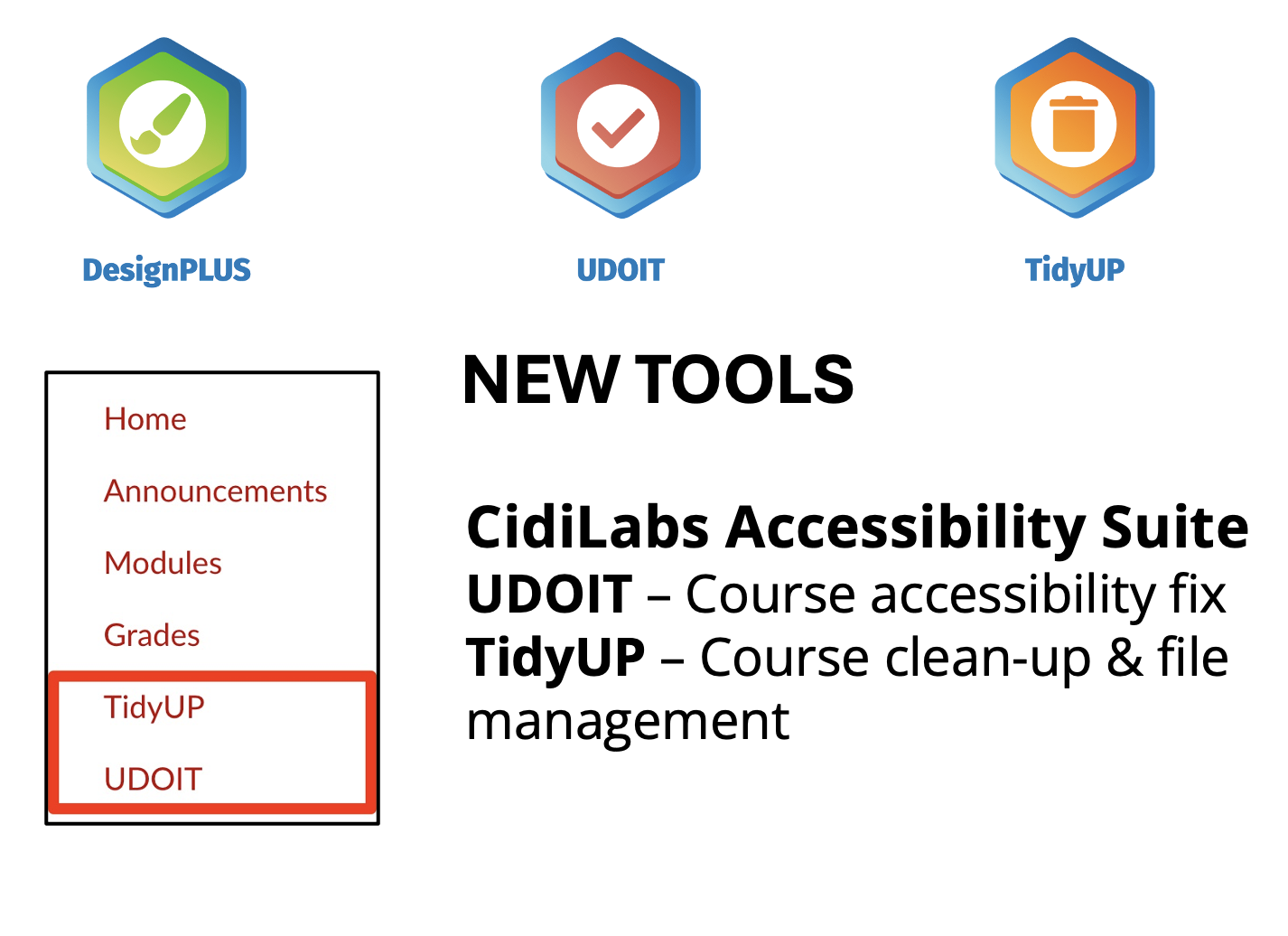
UDIOIT provides:
- Course-level accessibility reports
- Detailed issue breakdowns with guidance
- Actionable steps to improve accessibility
- A centralized view of accessibility across course content
Unlike Ally’s inline indicators, UDIOIT focuses on comprehensive reports and structured remediation workflows.
What You Need to Do
Before June 30:
- Plan on no longer having the tools available with Canvas Ally.
- Save any accessibility reports you may want (not required).
After June 30:
- Access UDIOIT through your institution’s provided link.
- Run a course accessibility scan.
- Review identified issues and prioritize fixes.
- Update course materials based on UDIOIT recommendations.